JPEG XL
Chrome 155 has promoted JPEG XL from its previous experimental support to a full feature, implemented on top of jxl-rs, and the official blog put a lot of emphasis on progressive decoding.
In my own testing, with progressive decoding enabled the file grows slightly, by around 2 to 3%, at the same visual quality.
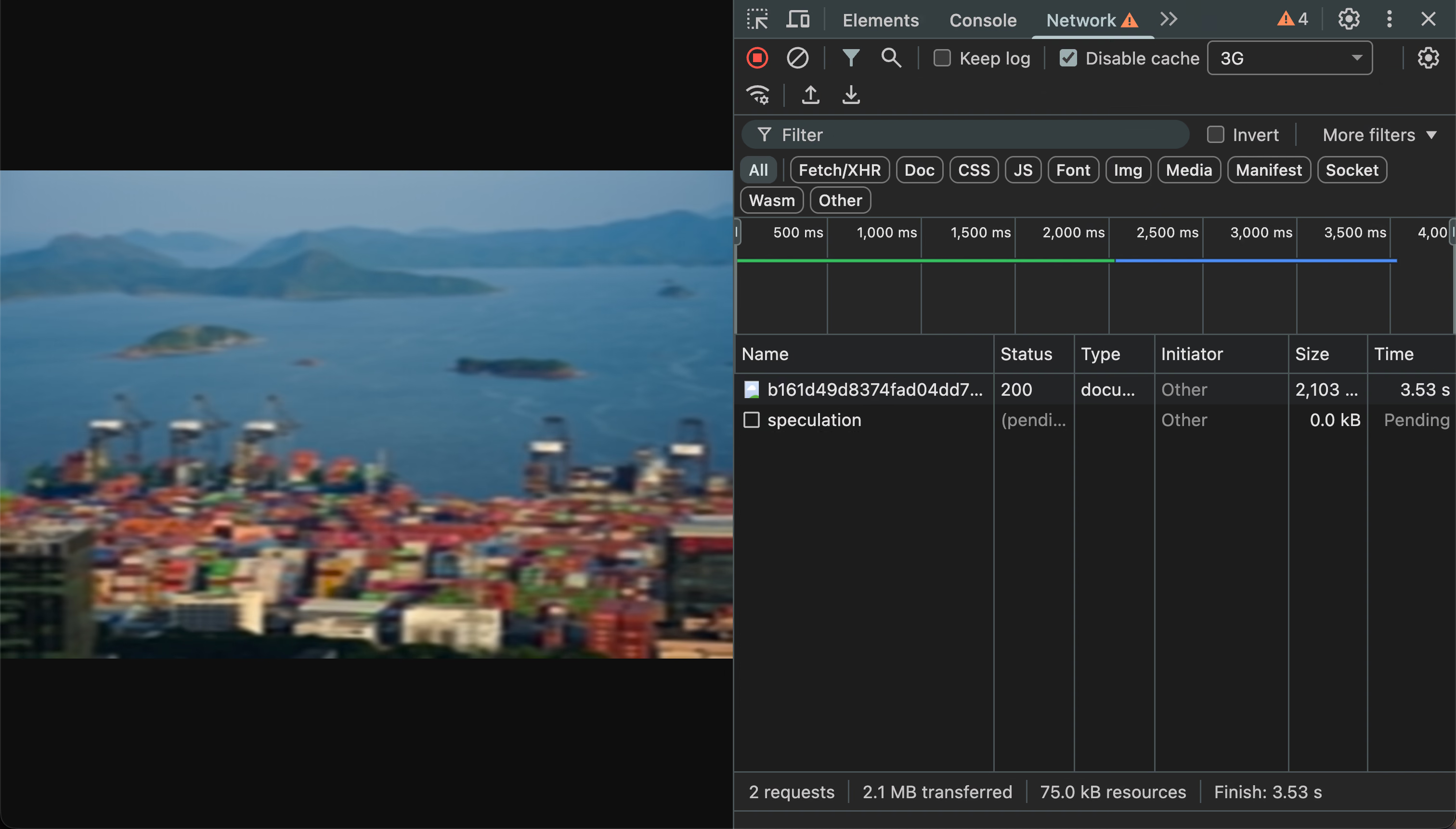
The JPEG XL file below is 2.1 MB, and in testing it already looks quite good once 1 MB has been transferred.

Encoding uses libjxl, and the command is:
cjxl input.png output.jxl -d 1.0 -pHere -p turns on progressive decoding, and there are some more advanced control parameters available as well.
In testing I found that only desktop Chrome can actually decode progressively. Some browsers only show the image once it has been fully decoded.
AVIF
AVIF also supports progressive decoding. The idea is roughly that a few frames are stored, and inter-frame prediction can be used to improve compression. As the file downloads you gradually get frames with higher resolution and quality, though it is not as continuous as JPEG XL. Below is an AVIF with two layers.

Encoded with libavif, the command line used is:
avifenc --progressive -q 80 -d 8 input.png output.avifThe automatic progressive mode uses a base layer at quality 10 and half resolution, and that base layer is only 24 KB.
You can also control the resolution and quality of each layer more precisely, for example:
f=input.png
avifenc --layered -d 10 -q 80 \
  --scaling-mode:u 1/8 $f \
  --scaling-mode:u 1/4 $f \
  --scaling-mode:u 1/2 $f \
  --scaling-mode:u 1/1 $f \
  output.avif
But the syntax is rather ugly, and for AVIF it is not really necessary. A small preview frame is enough.
In future I might use AVIF with a very small preview frame to improve the reading experience on this blog. For readers with slow access to Cloudflare R2 storage, the wait before they first “see the image” should drop a lot.
Seeing It for Yourself
If you want to see the effect directly, right click the image, open it in a new tab, then disable the cache in the developer tools and use the network throttling simulation. After a refresh, loading the whole file on the 3G preset takes about 45 seconds, which gives you plenty of time to experience progressive decoding.
Enjoy